
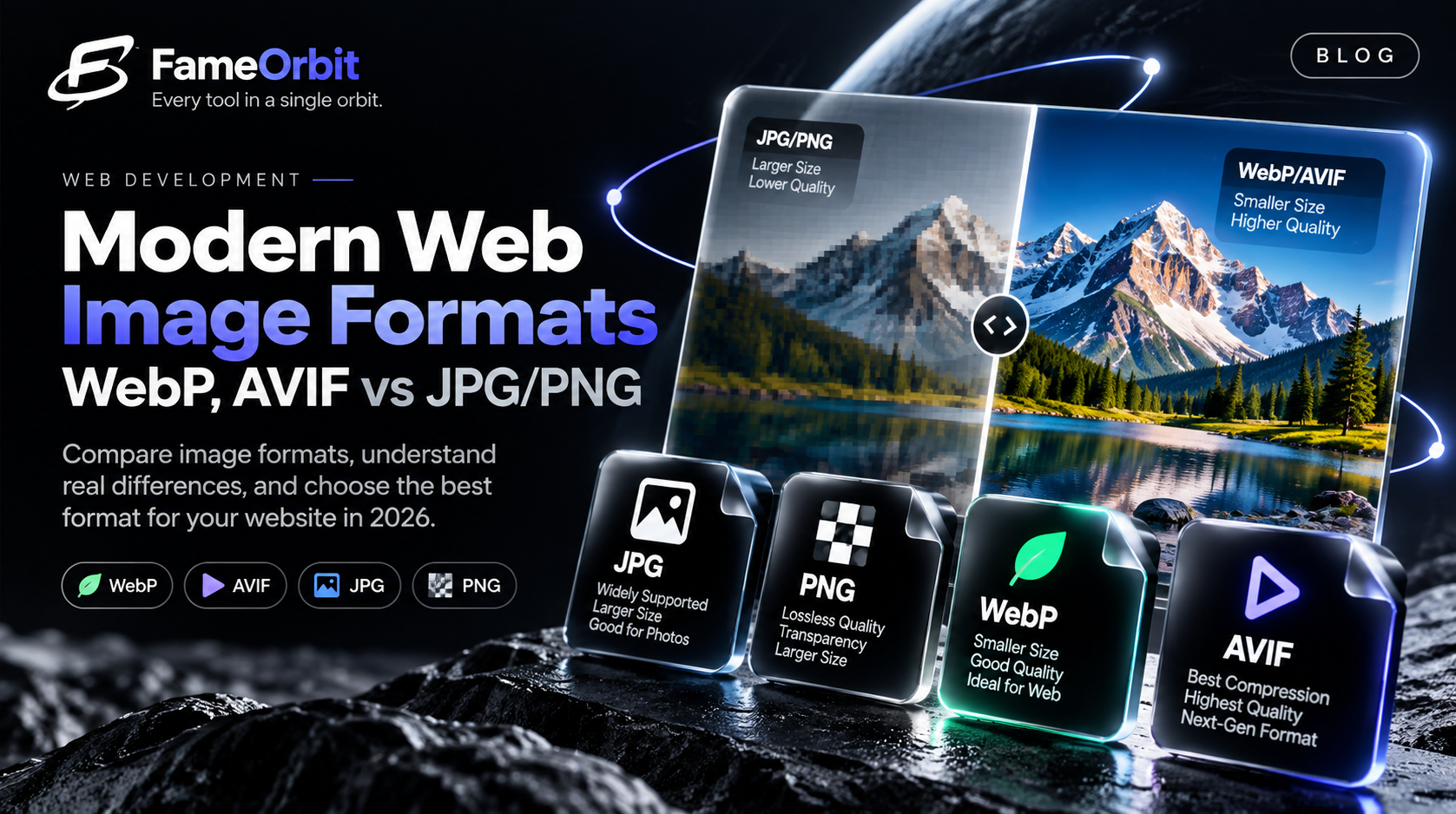
Images consistently represent over 55% of the total page weight of the average modern website according to HTTP Archive data. For content creators, developers, and e-commerce platforms, optimizing images is the single most impactful lever for improving Largest Contentful Paint (LCP) and reducing mobile bounce rates.
Yet, many teams still deploy 4MB uncompressed JPEG photos or 24-bit PNG screenshots directly to production. In this guide, we break down the mechanics of modern formats (WebP, AVIF, JPEG XL), when to use each, and how to execute lossless and near-lossless compression without sacrificing brand visual fidelity.
1. The Core Contenders: A Format Comparison
Every format employs distinct mathematical compression transforms. Understanding their trade-offs prevents common production mistakes:
JPEG (Joint Photographic Experts Group)
- Primary Mechanism: Discrete Cosine Transform (DCT) lossy compression.
- Best For: Continuous-tone photographic images with complex gradients.
- Weakness: Lacks alpha transparency support, suffers from blocky compression artifacts at lower bitrates, and struggles with hard edges or text overlays.
PNG (Portable Network Graphics)
- Primary Mechanism: DEFLATE lossless compression (combining LZ77 and Huffman coding) with pre-filtering.
- Best For: Screenshots, line art, diagrams, and assets requiring transparent backgrounds.
- Weakness: Heavy file sizes for photographic content; storing photograph pixels in 24-bit PNG can increase payload size by 300% to 500% compared to equivalent quality JPEG.
WebP (Google)
- Primary Mechanism: Derived from the VP8 video codec, supporting both lossy (predictive coding) and lossless modes.
- Support: 97%+ browser support across all modern desktop and mobile engines.
- Performance: Lossy WebP files are typically 25% to 34% smaller than comparable JPEG files at equivalent SSIM (Structural Similarity Index) quality scores. Lossless WebP is roughly 26% smaller than standard PNG.
AVIF (AV1 Image File Format)
- Primary Mechanism: Keyframe compression derived from the open-source AV1 video codec developed by AOMedia.
- Support: Full support across Chrome, Firefox, Safari (iOS 16+ / macOS Ventura+).
- Performance: Achieves up to 50% smaller sizes than JPEG and roughly 20% better compression than WebP at low-to-medium quality levels, with superior color depth (10-bit and 12-bit HDR support).
2. Lossy vs. Lossless: Making the Right Trade-off
The fundamental question during image processing is whether every original byte must be mathematically reconstructed:
- True Lossless: Decompresses to the exact bit-for-bit pixel grid of the original source. Mandatory for medical imaging, archival photography masters, and precision corporate logos.
- Perceptually Lossless: Discards high-frequency chromatic variations that the human eye cannot discern at standard viewing distances and display DPIs. A quality setting between 78% and 85% in WebP or JPEG typically reduces file size by 60% to 75% with zero noticeable loss in quality on retina displays.
| Target Asset Type | Recommended Source Format | Target Web Format | Target Quality Level |
|---|---|---|---|
| Hero Banner / Photograph | RAW / High-Res JPEG | WebP or AVIF | 80%–82% |
| App Screenshot / UI Mockup | PNG | WebP Lossless or PNG | Quantized 8-bit |
| Brand Logo / Icon | Vector (SVG) | SVG or WebP Lossless | Vector / Lossless |
| Product Catalog Thumbnail | JPEG | WebP | 75%–78% |
3. Why Client-Side In-Browser Compression is the Future
Historically, compressing images required installing desktop software (Photoshop, ImageMagick) or uploading sensitive photos to third-party cloud SaaS converters.
With modern HTML5 Canvas, WebAssembly (Wasm) ports of Libwebp and MozJPEG, and the OffscreenCanvas API, high-fidelity compression can now occur entirely in your local browser RAM.
Key Advantages of In-Browser Processing:
- Zero Privacy Risk: Medical scans, confidential product roadmaps, and personal family photos never cross an internet network or hit an external server.
- Zero Latency: No uploading a 20MB file over a slow uplink just to download a 300KB result.
- Zero Cost & Limits: No queue times, paywalls, or artificial quotas.
You can experience this firsthand using FameOrbit Image Compressor and FameOrbit Image Converter.